
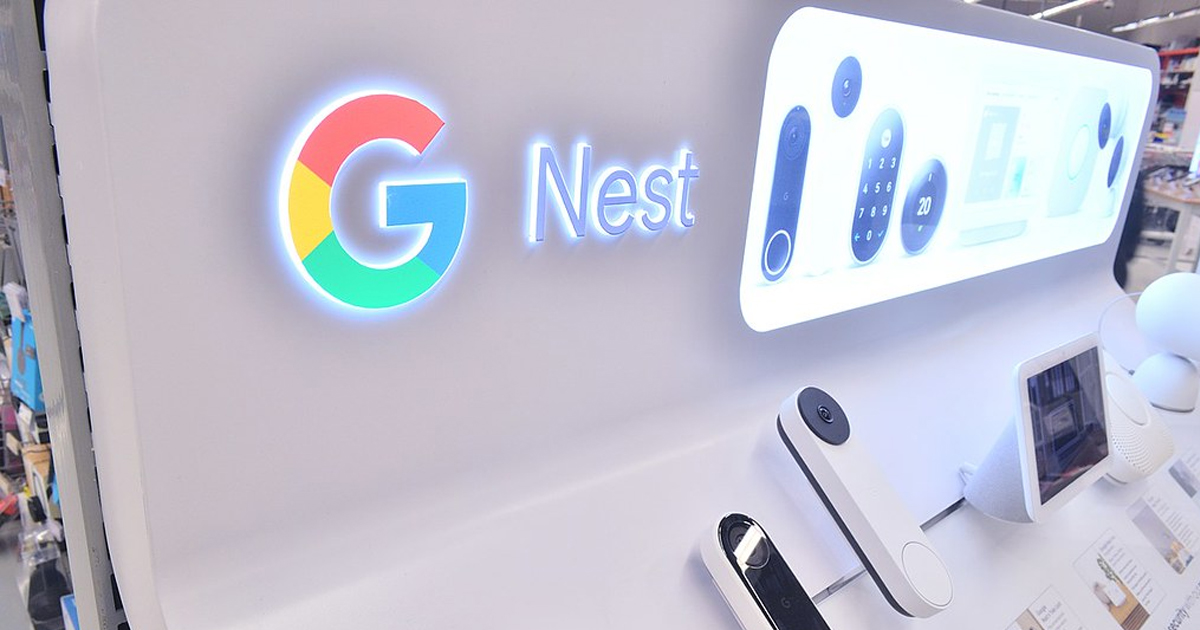
There is no web portal at 192.168.x.x. There is no browser-based management. Every setting, including basic ones like assigning a static IP to a device on your own network, requires the Google Home app, a Google account, and cloud services enabled. This is not a missing feature from a budget product. The Nest Wifi Pro retails for up to $400 for a three-pack. The decision to strip out local management was deliberate.
The cloud dependency is not optional cosmetic. Port forwarding and DHCP reservations, standard functions on any router from the last two decades, require you to accept Google's cloud services to use them. One user on the Google Nest community forums, identifying themselves as a CCNA-certified network administrator, documented that Google intercepts HTTP headers from devices on your network to identify the manufacturer and device type, and transmits partial MAC addresses to Google's servers. MAC addresses are hardware identifiers. Every device you own that connects to your home network has one. Google is sending that information off your premises through a product you bought to manage your own network.
According to Google's own privacy documentation, some data is stored even when all available privacy controls are turned off. The specific example Google gives is the association between your Google account and your router. You cannot fully opt out. The router ships associated with a Google account and it stays that way regardless of what toggles you flip in the app.
The Nest Wifi Pro ships with WPA3 disabled by default. WPA3 is the current standard for Wi-Fi security. The 6GHz band the Pro supports requires WPA3, so the router effectively ships as a Wi-Fi 6 device rather than Wi-Fi 6E until you manually enable it. The Google Home app does not prompt you to turn it on. Independent testing found that Wi-Fi 6E client devices connected to the Nest Wifi Pro frequently negotiated connections using Wi-Fi 4, the standard from 2009, resulting in significantly degraded speeds.
Setup requires a smartphone. You cannot configure a Google Nest router from a computer. If your internet connection goes down and you need to change a setting, you open the app, which contacts Google's servers, which tell your router what to do. If Google's infrastructure has an outage, you lose the ability to manage your own home network hardware.
This is not the first time Google has shipped undisclosed hardware in a Nest product. In 2019 Google acknowledged that the Nest Guard security hub, sold as part of a home alarm system, contained a microphone that had never been disclosed in the product specifications. Google's explanation was that it had been forgotten. The microphone was later activated via a software update to enable voice commands.
Your router is a piece of network infrastructure that sits between every device in your home and the internet. Handing management of that to a company whose core business is building advertising profiles from behavioural data, with no local fallback and no fully offline mode, is a specific kind of trust that the product's design does not earn.
Blackout VPN exists because privacy is a right. Your first name is too much information for us.
Keep learning
FAQ
Can you manage a Google Nest router without the app?
No. Google Nest routers have no local web interface. All management including basic functions like static IP assignment and port forwarding requires the Google Home app and an active Google account with cloud services enabled.
What data does Google collect from Nest routers?
Google collects device types, manufacturer information, MAC addresses, Wi-Fi channel data, signal strength, and network performance data. Google's own documentation confirms that some data remains linked to your account even when all privacy controls are turned off.
What happened with the undisclosed Nest Guard microphone?
In 2019 Google confirmed that the Nest Guard home security hub contained a microphone that was not disclosed in the product's technical specifications. Google stated it had been forgotten. A subsequent software update activated it to support voice commands.
Does the Google Nest Wifi Pro support WPA3?
The hardware supports WPA3 but it ships disabled by default. The Google Home app does not prompt users to enable it during setup, meaning most users are running the router without current security standards active.
What are the alternatives to Google Nest for mesh Wi-Fi?
TP-Link Deco and Asus ZenWifi both support local web-based management and do not require cloud connectivity for basic router functions. Both offer mesh systems at comparable price points to Google Nest hardware.