
Microsoft hands BitLocker recovery keys to law enforcement about 20 times a year when served with warrants. BitLocker encrypts Windows hard drives effectively, but most users never realize their recovery key gets uploaded to Microsoft servers automatically. You can retrieve your data if you forget your password. So can the FBI.
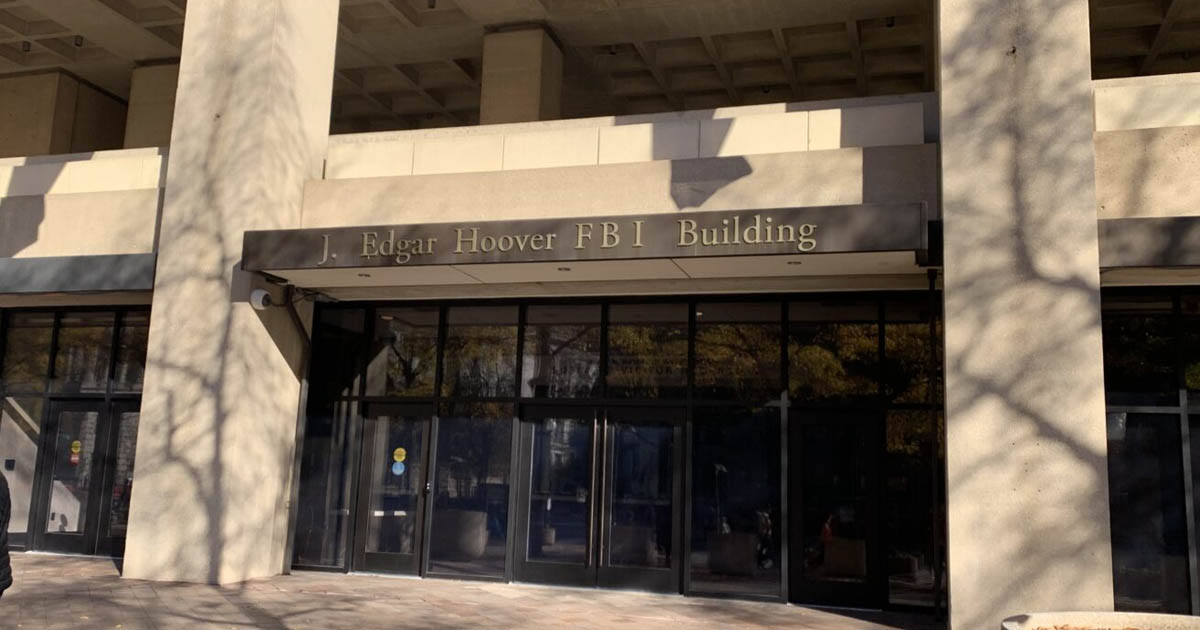
Federal agents investigating fraud in Guam sent Microsoft a warrant demanding BitLocker keys for three laptops. Microsoft turned them over. The FBI cracked all three devices and pulled everything off them. The owner's cooperation was irrelevant because Microsoft held the spare key the entire time.
Hardware recovery keys solve this. Store your key on a USB stick or use encrypted backups where the provider genuinely cannot read the key. Microsoft supports USB storage but buries the option. The path of least resistance sends your key straight to Redmond where subpoenas reach it easily.
VeraCrypt encrypts drives locally with no phone-home feature and no recovery key upload. You hold the only copy. Ars Technica published a guide about encrypting Windows without surrendering keys to Microsoft and recommended paying $99 for Windows 11 Pro to unlock better BitLocker settings. VeraCrypt costs nothing and removes Microsoft from the equation entirely.
Go to Settings > Privacy & Security > Device Encryption and see whether Microsoft stores your BitLocker key. If they do, copy it to a flash drive and wipe it from your account. Switch to VeraCrypt for anything you actually want to keep private. macOS users can enable FileVault and skip the iCloud backup. Linux distributions ship with LUKS which never sends keys anywhere unless you explicitly configure cloud sync.
Blackout VPN exists because privacy is a right. Your first name is too much information for us.
Keep learning
FAQ
How often does Microsoft hand over BitLocker keys?
About 20 times per year when law enforcement serves valid warrants. The keys sit on Microsoft servers by default, accessible through legal process without device owner involvement.
What does BitLocker do?
BitLocker encrypts Windows drives to protect data from theft or unauthorized access. Microsoft pushes users toward storing recovery keys on their servers for account recovery, which also enables law enforcement access through warrants.
What works better than BitLocker?
VeraCrypt gives you local encryption with no Microsoft involvement. macOS users should enable FileVault without iCloud key storage. Linux users get LUKS which keeps keys local by default.
How do I get my BitLocker key off Microsoft servers?
Open Settings > Privacy & Security > Device Encryption and check if Microsoft has your key. Save it to a USB drive or write it down, then delete it from your Microsoft account.
Why does Microsoft keep BitLocker keys?
They frame it as account recovery assistance so you can regain access if locked out. In practice it creates a central repository law enforcement can tap with warrants, bypassing the entire point of encryption.