




Downloads

Our applications are open source and auditable.


Downloads

Google Play App Store Android Private Windows Mac Linux

Your private keys also work with all official WireGuard apps across all devices.
View our open source code


FAQ

General & Basics
What is a VPN?

A VPN encrypts your connection and routes it through a secure tunnel. Your IP is replaced with ours so sites see our address, not yours.

Why does it matter?

ISPs log what you visit. Australia shares data with the Five Eyes alliance. A VPN breaks that visibility.

What makes Blackout VPN different?

No accounts. No trackers. No analytics. You buy a key and connect. Privacy is the product.

Keys & Devices
Do my keys work on all devices?

Yes. Phones, tablets, desktops and laptops. Each key protects one device; we send two by default.

How many devices?

Up to five devices per plan. Need more? Email us.

Lost my key?

Treat it like a car key and keep backups. Email us for help reissuing if needed.

Payments & Plans
Which methods are private?

PayPal: fast, not anonymous.

Crypto.com / MetaMask: secure; MetaMask can be anonymous with good hygiene.

Monero: fully private.

Cash by mail: offline, no paper trail.

Refunds?

No refunds after a key is issued. If a server fails or a config is broken, we will reissue or refund.

When my plan ends?

Your key stops connecting. No auto renewals or emails.

Support & Contact
How do I contact you?

Email hide@blackoutvpn.au or message us on Session. No forms.

iPhone & iPad


Apple Icon

Our official iOS app with one-tap connect is now available on the App Store. After your payment clears, we send your private keys.

Download on the App Store
How to connect
  1. Install the Blackout VPN app from the App Store.
  2. Open the app and tap “Create from file”.
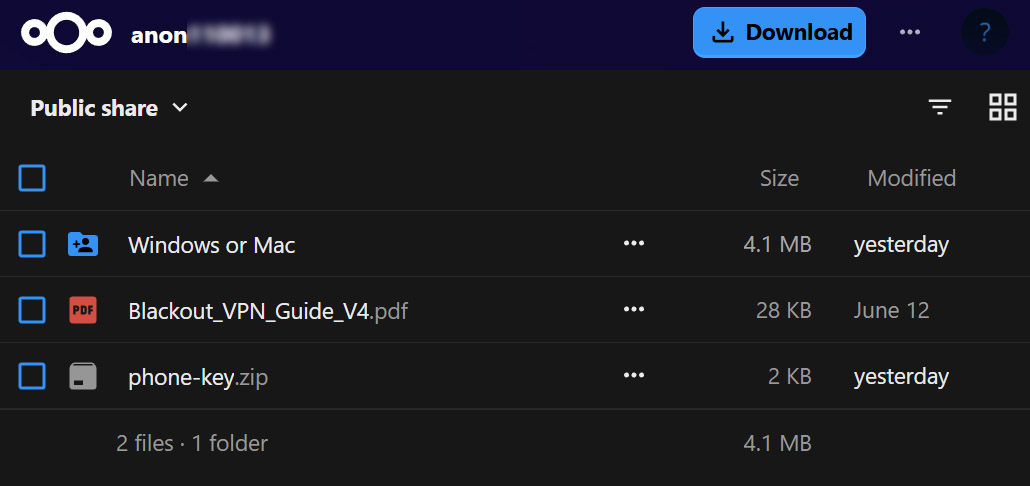
  3. Select your Blackout VPN private keys from your download link.
  4. Tap Activate to connect.
Download on the App Store

WireGuard

Alternatively, you can connect instantly using the official WireGuard app from the App Store.

Get WireGuard
How to connect
  1. Install the WireGuard app from the App Store.
  2. Open the app and tap “Add a tunnel” then “Create from file or archive”.
  3. Select your Blackout VPN private keys from your download link.
  4. Tap Activate to connect.