





Mac

Mac & MacBook App
The official Blackout VPN app is now available on the Mac App Store. After your payment clears, you get a download link for your private keys. Import them directly in the app.

How to connect
- Download Blackout VPN from the Mac App Store.
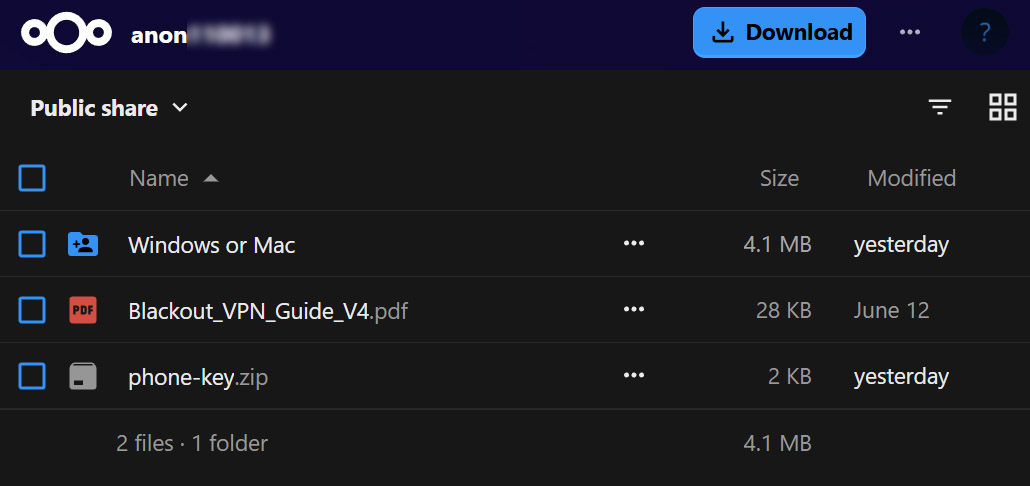
- On your download page you only need the
Windows or Macfolder. Click the three dots beside it or right-click it, and choose Download. - The folder downloads as a zip. Double-click it to extract, then open the
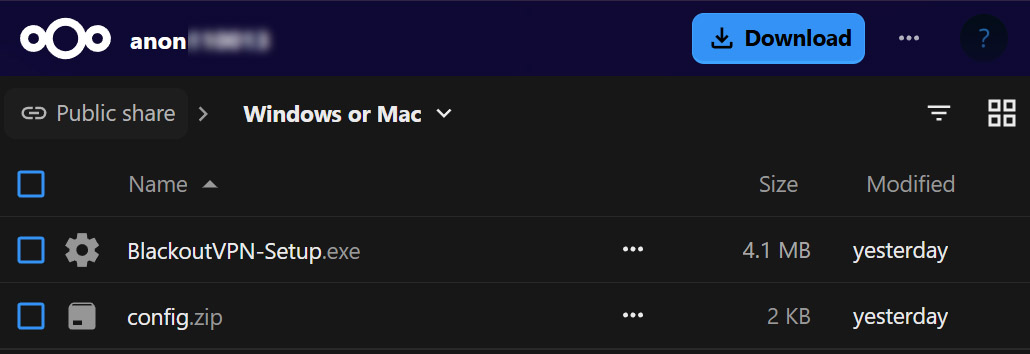
Windows or Macfolder. You only needconfig.zip. - Open the app and click ”Add Connections” → “Import from file or archive”.
- Select
config.zipand import it as it is. No unzipping needed. - Click Activate to connect.
Your keys also work with any official WireGuard client.