





iPhone & iPad

Our official iOS app with one-tap connect is now available on the App Store. After your payment clears, you get a download link for your private keys.

How to connect
- Install the Blackout VPN app from the App Store.
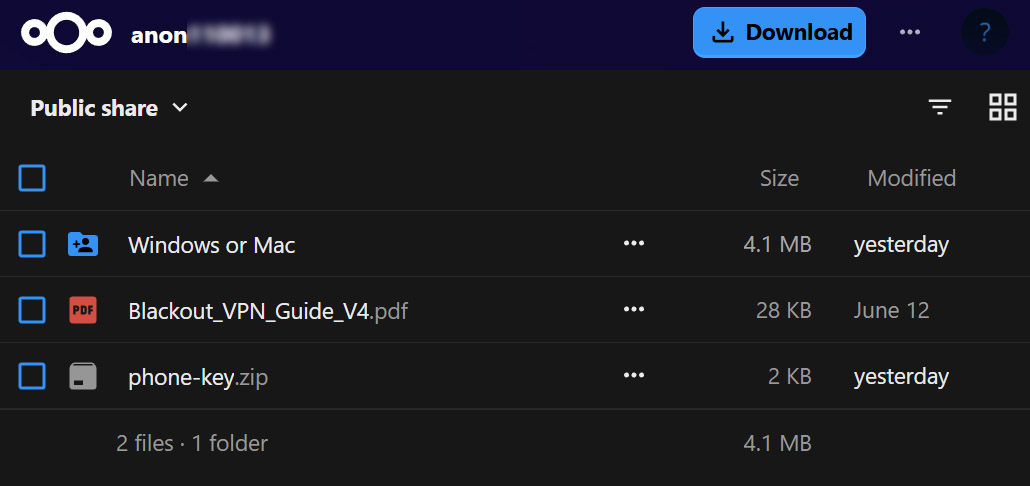
- Your download link will be delivered after payment is received. Your phone needs just one file,
phone-key.zip. Click the three dots besidephone-key.zipor right-click it, and choose Download. - Open the app and tap “Create from file”.
- Select
phone-key.zipand import it as it is. - Tap Activate to connect.
WireGuard
Alternatively, you can connect instantly using the official WireGuard app from the App Store.
Get WireGuard
How to connect
- Install the WireGuard app from the App Store.
- Open the app and tap “Add a tunnel” then “Create from file or archive”.
- Select
phone-key.zipand import it as it is. - Tap Activate to connect.